 StreamWindows
Every stream in its own window.
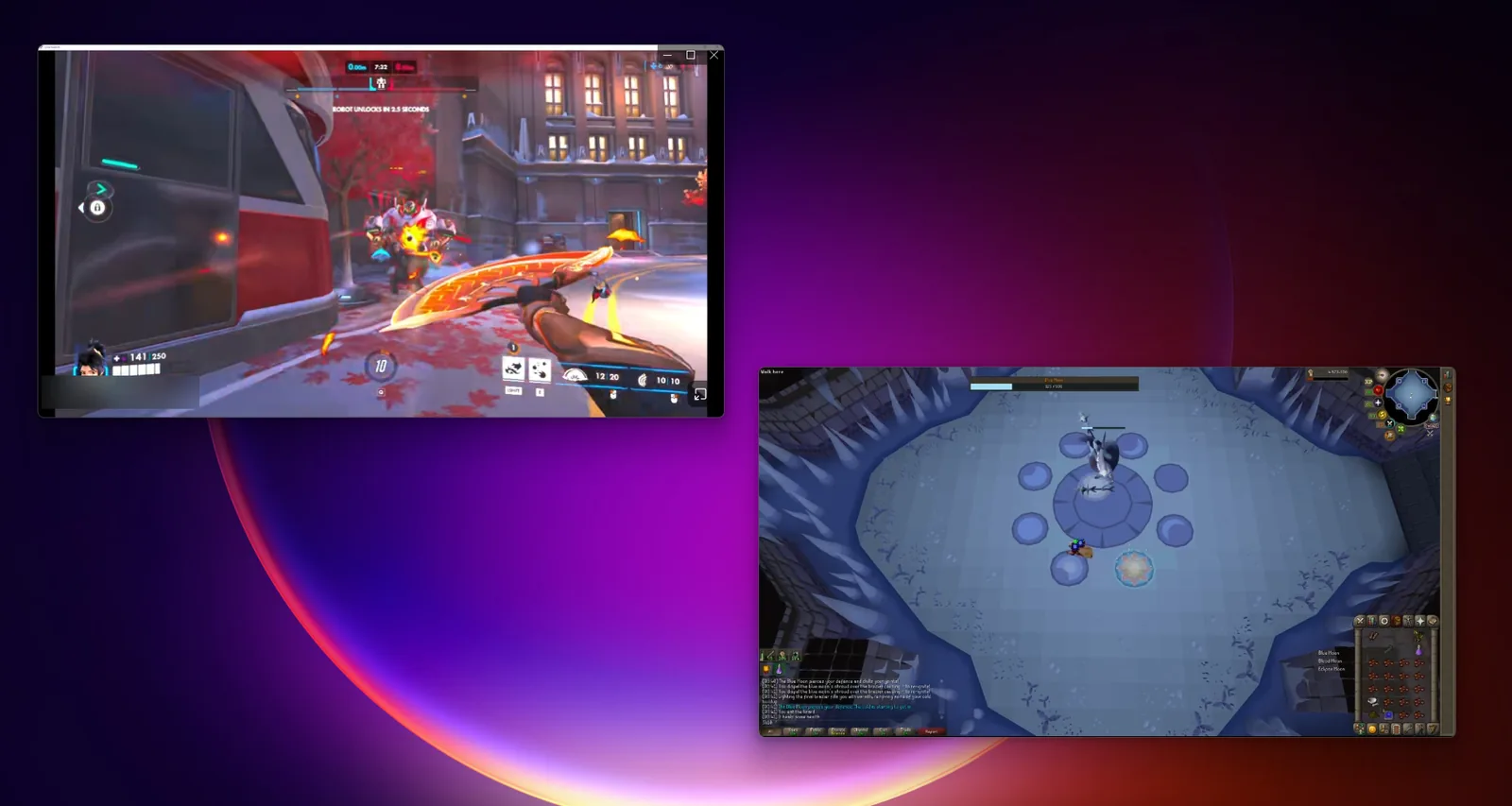
Discord can show several Go Live streams at once, but only as a grid inside one window. StreamWindows pops each stream you watch into a real window of its own: put one on each monitor, fullscreen them separately, and set the volume of each one from the window itself.
What you get
One window per stream
Right-click anyone who is streaming in your voice channel and choose Pop Out Stream to Window. Their stream opens in a separate window that moves and resizes like any other. Do it again for the next person: each stream gets a window of its own, and Discord remembers where you put each streamer's window for next time.
- Drag a window to any monitor and fullscreen it there
- The rest of Discord stays as it was, grid and all
- Only viewers need the plugin; the person streaming needs nothing
Controls inside the window
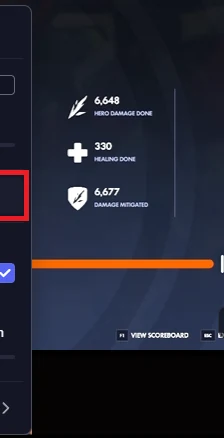
Move the pointer over a stream window and its controls fade in at the bottom left: a speaker button that mutes and unmutes that stream, a vertical volume slider from 0 to 200% under it, and a fullscreen button. Double-clicking the video toggles fullscreen too. The window's title bar stays hidden until you hover, so the video runs edge to edge, and the buttons Discord adds to its own pop-outs are kept out of the way.
Keeps itself current
BetterDiscord only updates plugins from its own store, so StreamWindows looks after itself: when Discord starts, it compares its version with the file on the download page and, if there is a newer one, asks whether to update. Say yes and it replaces its own file; BetterDiscord reloads it on the spot. That check is the only request the plugin ever makes on its own.
Why not the built-in ways?
| Option | Several streams at once | Separate windows | Fullscreen per monitor |
|---|---|---|---|
| Discord's multistream grid | Yes, as a grid | No | No, thumbnails |
| Discord's own pop-out | One at a time | One small window | Partly |
| PopIns, another plugin | Yes | No, inside the Discord window | Only if Discord spans the monitors |
| StreamWindows | Yes | Yes | Yes |
How it works
Install BetterDiscord
Get the installer from betterdiscord.app and let it patch Discord. If you run Vencord, uninstall it first: both replace the same Discord file and cannot coexist.
Drop the plugin in
Download StreamWindows.plugin.js, put it in the plugins folder (Settings → Plugins → Open Plugins Folder) and switch StreamWindows on. About two minutes, once.
Right-click a streamer
Join the voice channel they are streaming in, right-click them and choose Pop Out Stream to Window. Repeat for everyone you want to watch.
Every step, control and error is described in the guide.
Good to know
Desktop Discord only
Works with the Discord desktop app on Windows, macOS and Linux, wherever BetterDiscord runs. It cannot do anything in the browser version.
Unofficial
Modifying the Discord client is against Discord's terms of service. Enforcement against people who use plugins is effectively nonexistent, but this is unofficial, can stop working after a Discord update until it is fixed, and is not affiliated with Discord in any way.
Nothing collected
The plugin drives Discord's own modules on your machine; no account, no server, no telemetry. Its diagnostics go to a StreamWindows.log file next to the plugin, which never leaves your computer.